
Answering service setup worksheet
Everything an answering service needs from your community before it takes the first call, on one worksheet: hours, emergency criteria, the on-call call order, where every other call goes, vendor numbers, greeting and reports. Fill in one per community, or download it as a Word or PDF file.
An answering service can only follow the instructions it was given. When a 2 a.m. call goes wrong in the first weeks, look first at what the community handed over: an emergency rule nobody wrote down, a backup technician missing from the call order, a restoration company’s number that lived in one manager’s phone. This worksheet collects all of it in one place, so the handover is complete on day one and easy to update after.
Free to adapt for your community. No email address required. Version 2026-09-26. See all templates.
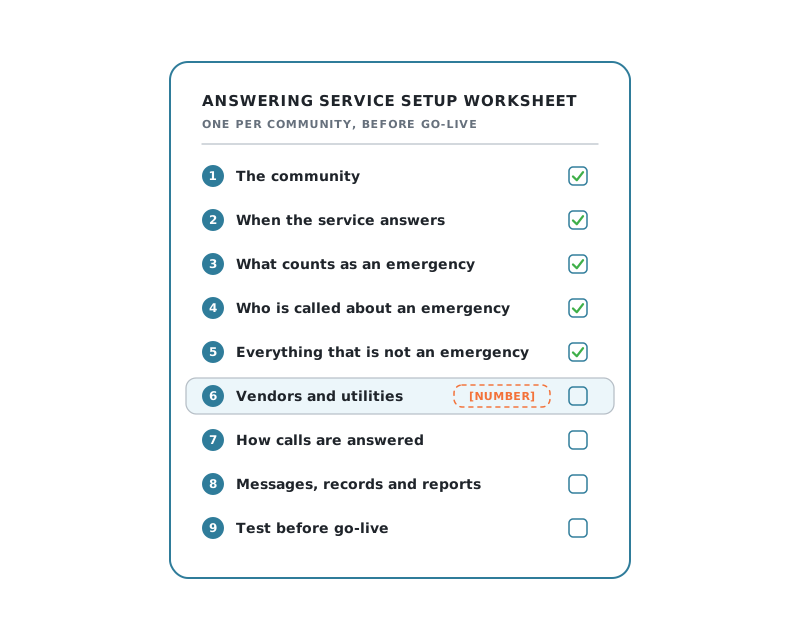
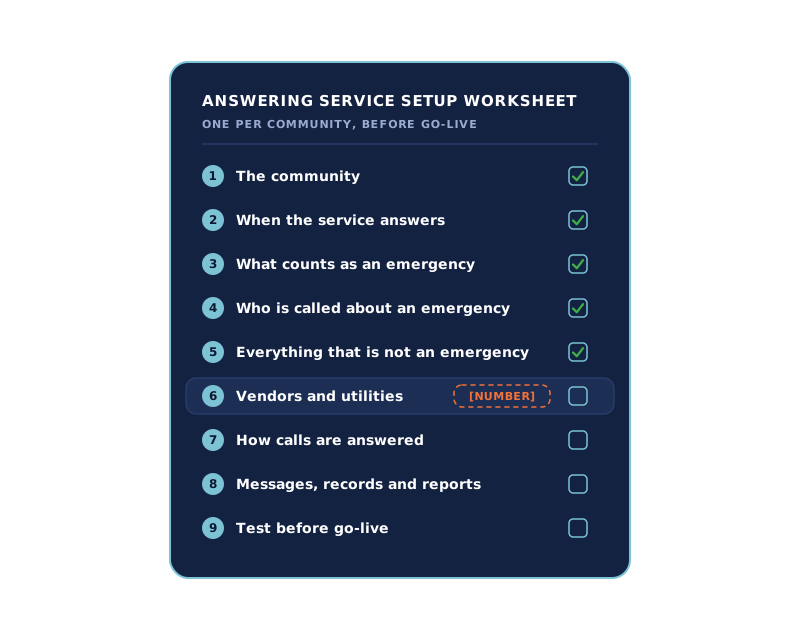
Nine sections, from the community to the test call.
Anything in [SQUARE BRACKETS] is yours to fill in. Where you already have an after-hours maintenance policy or an on-call schedule, attach it instead of retyping it.
-
1
The community
Community name [NAME], address [ADDRESS], [NUMBER] units, time zone [ZONE]. Main phone number [NUMBER]; separate leasing or maintenance numbers, if any, [NUMBERS]. Access codes the service may give callers: [NONE / WHICH ONES], only after checking [NAME, UNIT AND CALLBACK AGAINST THE RESIDENT LIST / OTHER CHECK]; a caller who cannot be verified gets [THE ON-CALL TECHNICIAN / A MESSAGE FOR THE OFFICE].
-
2
When the service answers
The office is open [DAYS, HOURS]. The service answers [AFTER HOURS ONLY / AFTER HOURS AND WHEN THE OFFICE DOES NOT PICK UP / AROUND THE CLOCK]. Holidays and closures this year: [DATES]. Who updates office hours with the service when they change: [ROLE].
-
3
What counts as an emergency
Attach your after-hours maintenance policy, or list the emergencies here: [LIST]. Decisions the service will ask about: lockouts [EMERGENCY / NOT], no heat below [TEMPERATURE, MEASURED INDOORS], no cooling above [TEMPERATURE, MEASURED INDOORS], a failed toilet in a one-bathroom unit [EMERGENCY / NOT]; check the thresholds with your counsel against the habitability rules where you operate. A caller in danger is told to call 911 first, and one who smells gas to leave the building and call [GAS UTILITY] from outside.
-
4
Who is called about an emergency
Attach your on-call schedule, or give the call order below. Say how many attempts each person gets before the next is called, [NUMBER], and what happens if nobody answers: [WHAT HAPPENS]. Who sends schedule changes and swaps to the service: [ROLE], by [HOW].
Order Role Name Phone 1 On-call technician [FROM THE SCHEDULE] [FROM THE SCHEDULE] 2 Backup technician [FROM THE SCHEDULE] [FROM THE SCHEDULE] 3 [MAINTENANCE SUPERVISOR] [NAME] [PHONE] 4 [PROPERTY MANAGER] [NAME] [PHONE] -
5
Everything that is not an emergency
Non-emergency maintenance goes to [THE OFFICE QUEUE / A WORK ORDER IN (PMS NAME)]. Leasing and prospect calls go to [A TRANSFER TO (NUMBER) / A MESSAGE FOR THE LEASING TEAM]. Noise and courtesy calls go to [COURTESY PATROL (NUMBER) / A MESSAGE FOR THE OFFICE]. Package, rent and general questions go to [A MESSAGE FOR THE OFFICE]. Anything else: [RULE].
-
6
Vendors and utilities
Gas utility [NUMBER]; electric [NUMBER]; water [NUMBER]; plumber, HVAC, water restoration, locksmith and elevator [NAME, NUMBER EACH]. Reporting an outage or gas smell to a utility is done by [THE SERVICE / THE TECHNICIAN]. Paid vendor calls are made by [ONLY THE TECHNICIAN / THE SERVICE, FOR (WHICH PROBLEMS), UP TO (LIMIT)], with [ROLE] approving anything above it. [ROLE] keeps these numbers current and sends changes by [HOW].
-
7
How calls are answered
Greeting: "[COMMUNITY NAME], [WORDING]." Languages: [ENGLISH / ENGLISH AND SPANISH]. Every caller is asked for their name, unit and callback number. Things the service must never say or promise: [LIST, SUCH AS ARRIVAL TIMES OR FEES].
-
8
Messages, records and reports
Call reports go to [NAMES AND EMAIL ADDRESSES] by [EMAIL / TEXT / THE PROVIDER'S APP], [AS EACH CALL COMES IN / AS A DAILY SUMMARY]. Recordings and transcripts: [WANTED / NOT NEEDED]. Work orders are created in [PMS NAME] by [THE OFFICE / THE SERVICE, WHERE ITS INTEGRATION SUPPORTS IT].
-
9
Test before go-live
Before the switch, call the service through [ITS TEST NUMBER / TEMPORARY FORWARDING] down every route you set up: an emergency, the same emergency with the primary not answering, a repair that can wait, a leasing call, an office message and each transfer. Check who was reached, what happens when nobody on the list answers, and that each report or work order arrived. [ROLE] switches [COMMUNITY PHONE NUMBER] over on [DATE]; repeat the emergency call through it that day. Tested by [NAME].
The short version to send your team.
The worksheet goes to your provider. Your own office and maintenance staff need the few lines that change their mornings, and the rule about telling the service when something changes.
From [DATE], calls to [COMMUNITY PHONE NUMBER] are answered by [SERVICE NAME] [WHEN]. Emergencies go to the on-call technician in the order on our schedule, and [LEASING OR COURTESY CALLS] are transferred right away. Everything else arrives as [A CALL REPORT / A WORK ORDER] by [HOW], for follow-up by [TIME]. Tell [ROLE] about any change to office hours, the on-call schedule or a vendor number the same day, because the service only knows what we tell it.
What to settle while you fill it in.
Write the emergency rules down first. Section 3 is the one a service cannot guess. If you have no written criteria yet, our after-hours maintenance policy template covers them, including the lockout and single-bathroom decisions.
Give the whole call order. One technician’s number is a single point of failure. Section 4 asks for the backup and the people after them, and our on-call schedule template keeps that order current through swaps and holidays.
Decide who owns changes. Office hours, the on-call schedule and vendor numbers all change. Name one person for each, in sections 2, 4 and 6, so a change reaches the service the day it happens.
Be careful with access codes. Section 1 asks which codes, if any, the service may give callers. Giving none after hours, and leaving access to the on-call technician, keeps codes out of calls nobody can verify.
How setup works with Activ.
Every new community gets a 20-minute personalized onboarding, and a handful of properties can be live within 48 hours; larger portfolios get a dedicated customer success manager. Having the worksheet filled in before that call means the answers are ready when they are asked for.
After go-live, your team keeps the moving parts current itself. Office hours are updated in Activ, including holidays and closures, and regional and corporate users can change who is on call at any community without going through a vendor. How the on-call schedule and maintenance dispatch work is on their own pages.
Common questions about setting up an answering service.
- What does an answering service need to know before it starts?
- Your community details and office hours, what counts as an emergency, who to call about one and in what order, where every other kind of call should go, the vendor and utility numbers your technicians rely on at night, how calls should be greeted, and who receives the reports. The worksheet above has a place for each.
- Should the answering service call vendors directly?
- Having the service reach the on-call technician, and letting the technician decide whether a plumber or restoration company is needed, keeps spending decisions with your own staff, since a vendor call can commit money. If you do want the service to call a vendor directly, section 6 asks which problems it covers, the spending limit, and who approves anything above it.
- How do you test an answering service before it goes live?
- Call the line yourself, once down each path: a real emergency, a repair that can wait, a leasing enquiry and a message for the office. Check that the right person was called or notified each time and that the call report reached whoever should get it. Then repeat the emergency test after the first on-call handoff.
- What changes after go-live?
- The on-call schedule, office hours around holidays, and vendor numbers all change. The worksheet names who is responsible for sending each change, because a service can only follow the information it was given.