
Build the on-call rotation once.
The right person answering an emergency at 2:00 AM starts with an accurate schedule. Activ lets you set up simple day/night coverage or complex rotations once, then keeps every after-hours call pointed at whoever is actually on call.
On-call scheduling is where a lot of answering setups fail. A rotation that lives in a spreadsheet drifts out of date, calls reach someone who isn’t working, and emergencies bounce. Activ makes the schedule the single source of truth for who gets the call, and makes it something you maintain in minutes, not rebuild every month.
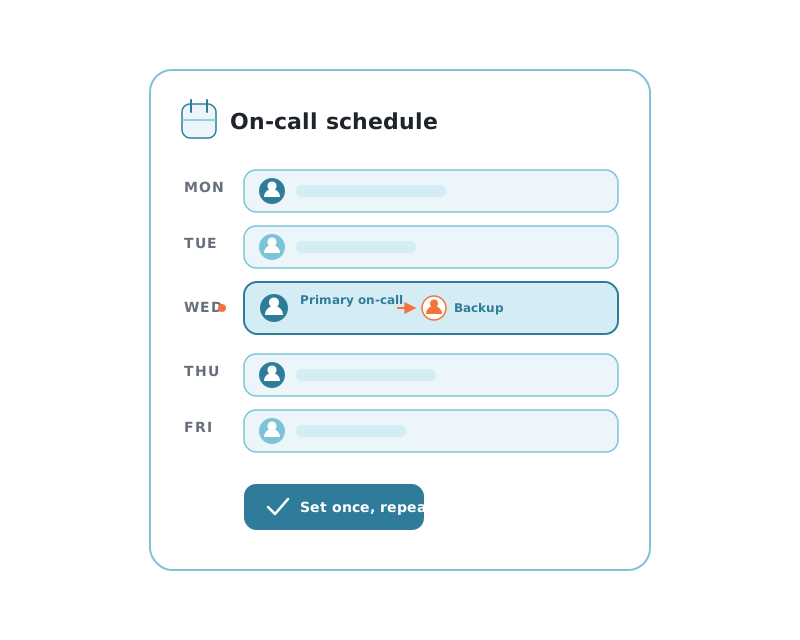
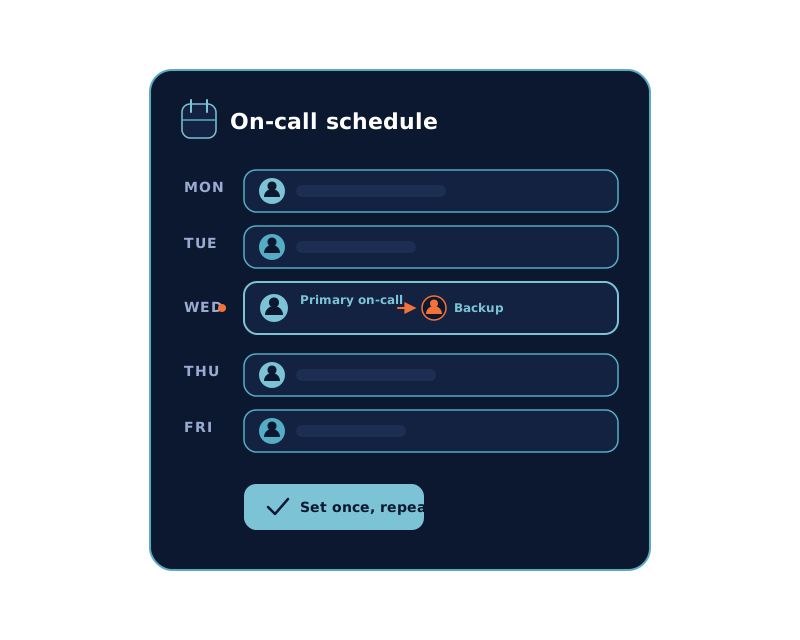
Permanent schedules and rotations that run themselves.
Whether your coverage is a steady day/night split or a rotating cast of technicians, you configure it a single time and Activ repeats it.
A permanent schedule holds until you change it. A rotation cycles through your team on the pattern you define: week on, week off; alternating weekends; whatever matches how your community actually staffs after hours. Either way, there’s no monthly ritual of re-entering names, and no date when the schedule simply runs out.
When something does change, you edit the schedule, and call routing and notifications follow it.
-
Permanent & rotatingSteady coverage or cycling rotations, defined once.
-
Weekends & holidaysDistinct weekday, weekend, and holiday coverage.
-
Across property groupsManage on-call for one community or a whole group.
-
One-off exceptionsCover a swapped shift without touching the rotation.
A missed call rolls to the next person, automatically.
Escalation isn’t a separate system to configure. It’s the order of your schedule: primary first, then each backup in turn.
Primary on-call
The first technician on the schedule gets the emergency: three calls, with a text on the third attempt.
Backups, in order
No answer? Activ rolls to the next person you’ve listed, then the next, working the sequence you set until someone picks up.
A safety net at the end
If the whole list is exhausted, a high-importance email goes to subscribed managers so the call is never simply lost.
An accurate schedule is emergency response.
The fastest dispatch in the world fails if the call reaches someone who isn’t working.
Every missed escalation traces back to the same root cause: the call went to the wrong person. When the schedule is right, emergencies land on the technician who’s actually available, callbacks happen faster, and fewer situations escalate into damage or an angry resident.
It matters for your team, too. A schedule people trust, with real backups and a clear order, means no one feels on the hook every night. That’s how you keep an on-call rotation staffed without burning people out.
See what happens once a call connects: Maintenance dispatch.
On-call scheduling, answered.
Do I have to rebuild the schedule every month?
No. Permanent and rotating schedules are built once and repeat on their own. You only touch the schedule when something actually changes: a swapped shift, a holiday, a new hire. Not on a monthly calendar-keeping chore.
How do backups and escalation work?
Each schedule can name a primary on-call technician plus backups, in order. If the primary doesn’t answer, after three calls with a text on the third, Activ moves to the first backup, then the next, working your list in sequence until someone responds. It’s not a rigid tier system; it’s simply the order you set.
Can it handle weekends, holidays, and multiple properties?
Yes. Schedules cover weekday and weekend rotations, holiday coverage, and one-off exceptions, and you can manage on-call across a group of properties. Regional and corporate users can change who’s on call at any community whenever plans shift.
What happens if no one on the schedule answers?
Once the on-call list is exhausted, Activ sends a high-importance email to everyone subscribed to that prompt or conversation, so a manager knows the call still needs attention. An accurate schedule keeps that from happening in the first place.